
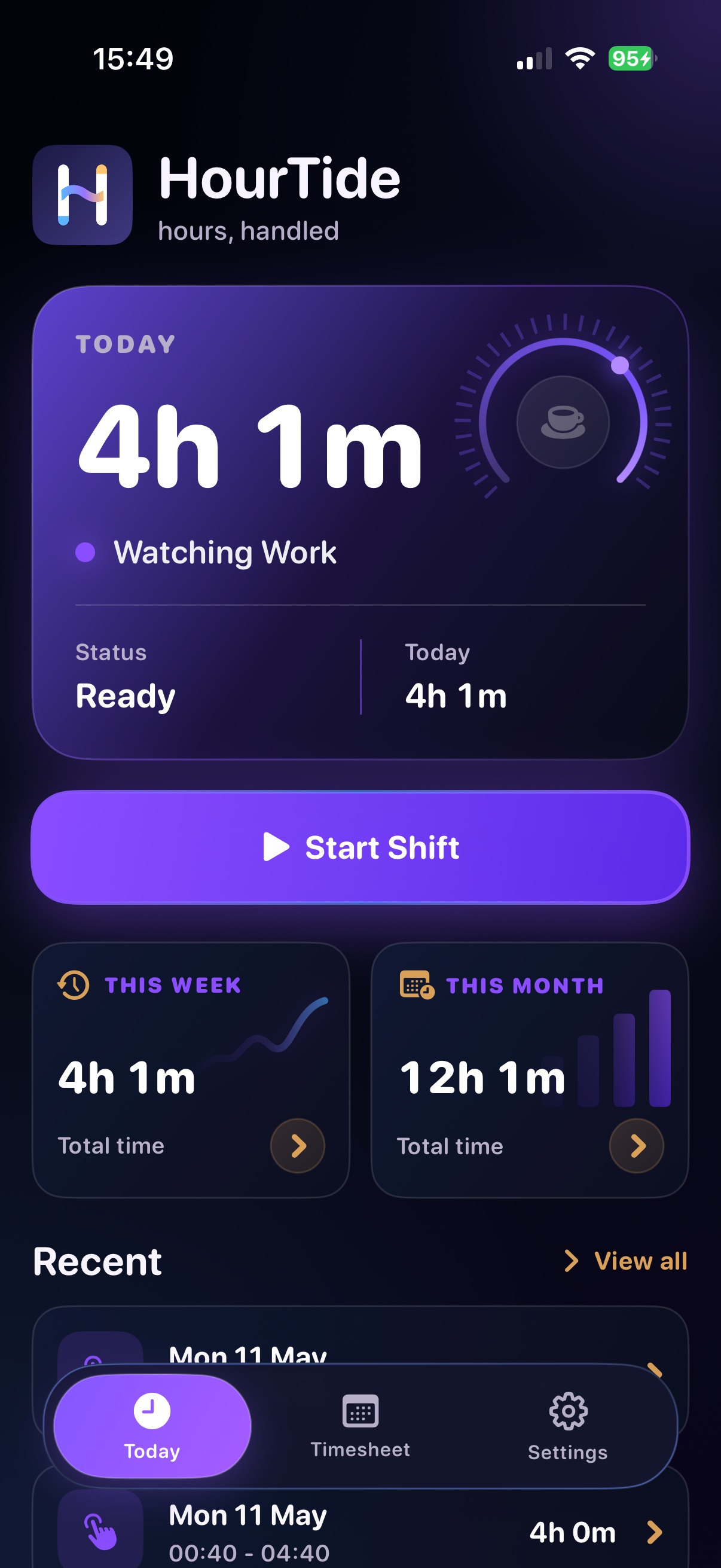
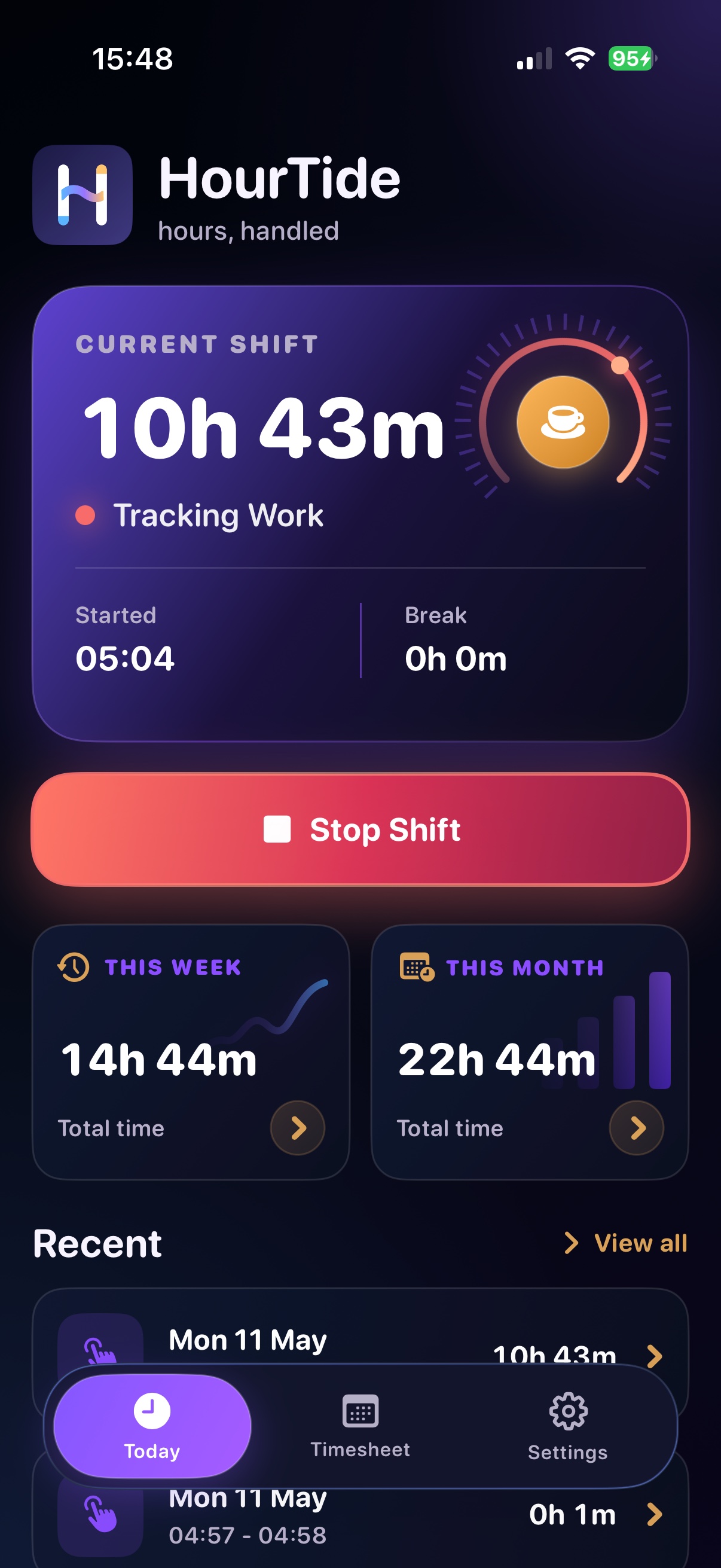
Start and stop shifts from one clean Today view.
See the current shift, daily total, weekly total, monthly total, and recent records without digging. Manual start and stop are there for the days that do not follow the usual pattern.
 HourTide
hours, handled
HourTide
hours, handled
Work-hour tracking for iPhone
Track shifts manually for free, or let HourTide Pro watch your saved workplace in the background, start and stop shifts automatically, and keep a clean timesheet ready when you need it.
Manual tracking free · Pro automation · Manual edits
HourTide Pro
Start with simple manual shift tracking, editable timesheets, and break records. Upgrade to HourTide Pro when you want the app to watch your workplace in the background, update widgets, and estimate earnings.
Start free trial on the App StoreLet iOS start and stop shifts when you arrive at or leave your saved workplace.
See live hours, week totals, and month totals without opening the app.
Add your hourly wage and HourTide calculates pay from net working time.
Built for real work days
See the current shift, daily total, weekly total, monthly total, and recent records without digging. Manual start and stop are there for the days that do not follow the usual pattern.
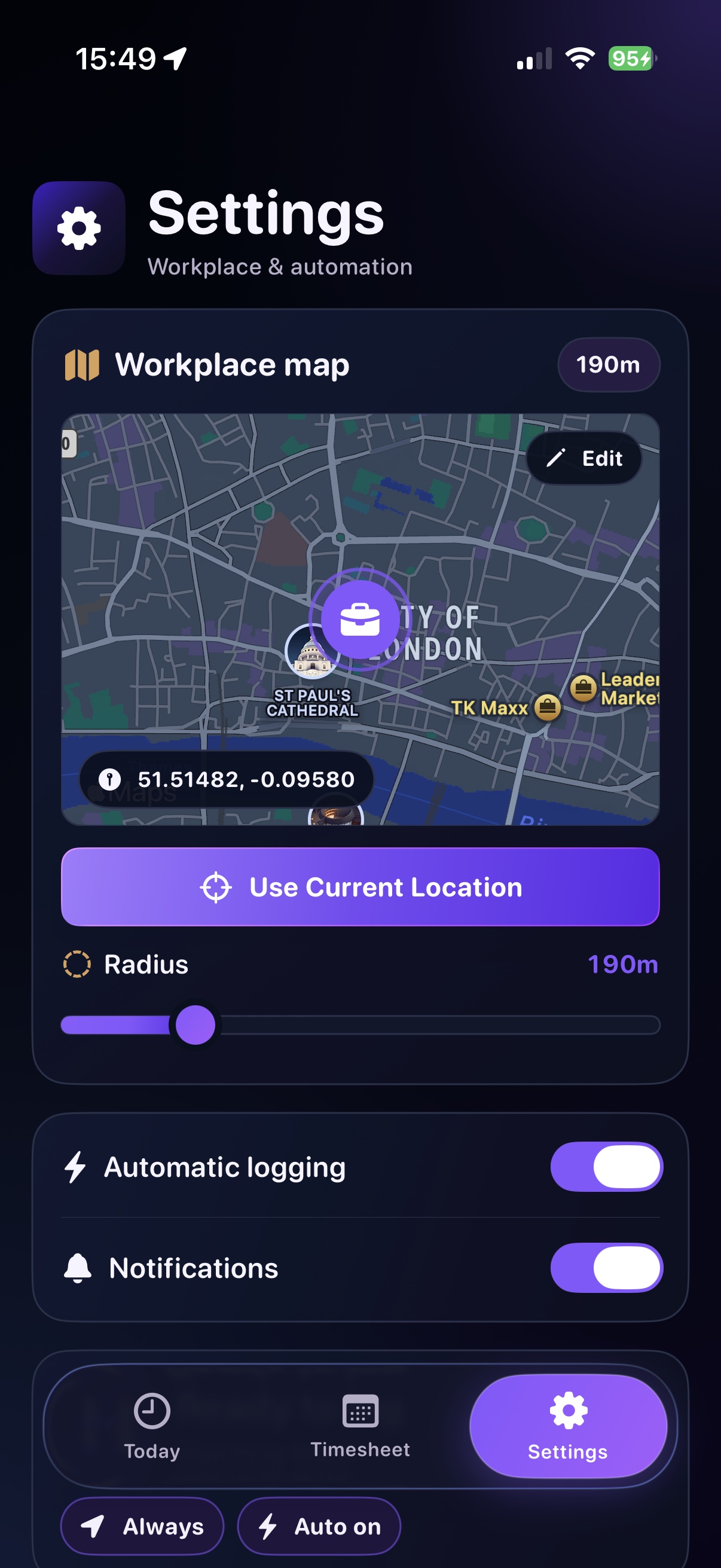
Save your workplace on the map, adjust the radius, and let HourTide Pro watch that area in the background.
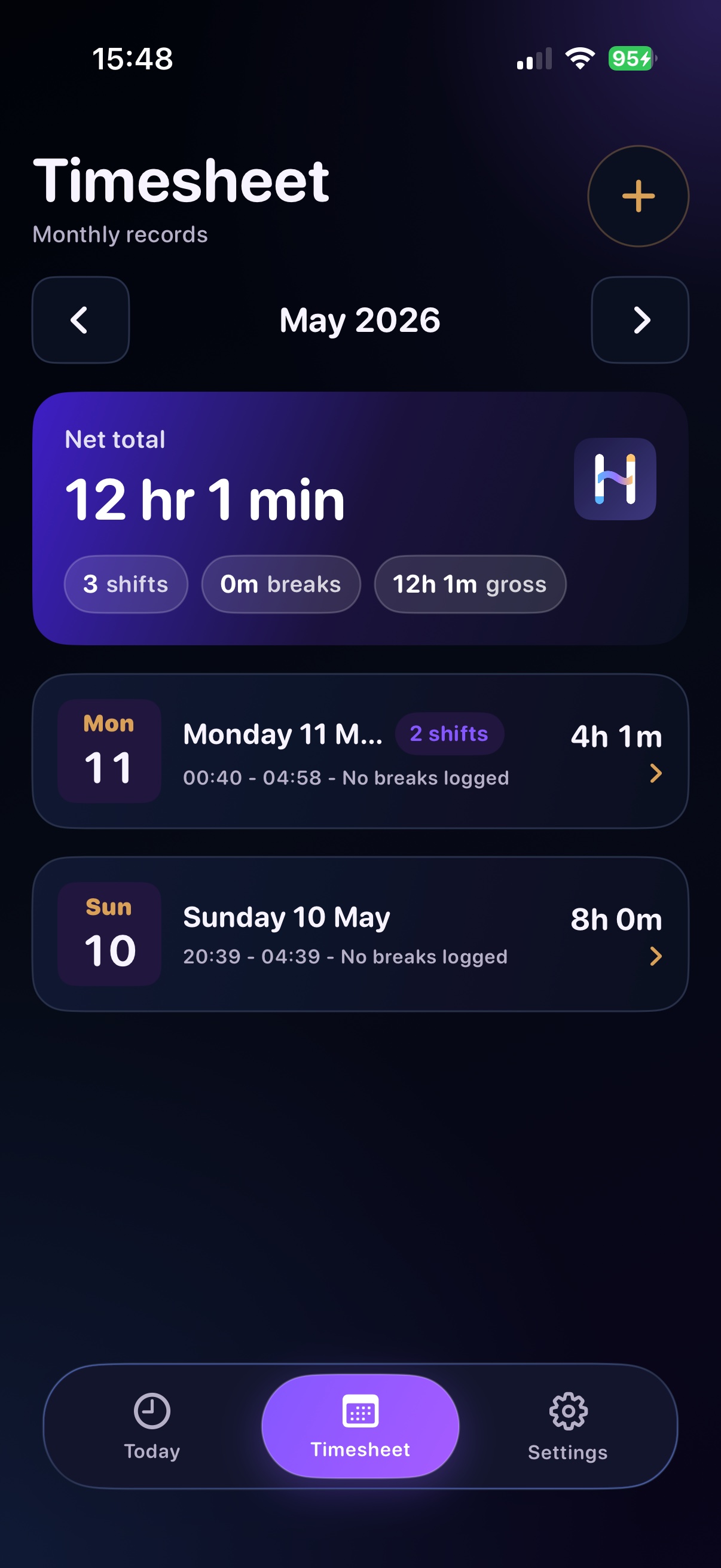
Days are grouped clearly, totals are visible at a glance, and older shifts stay easy to review.
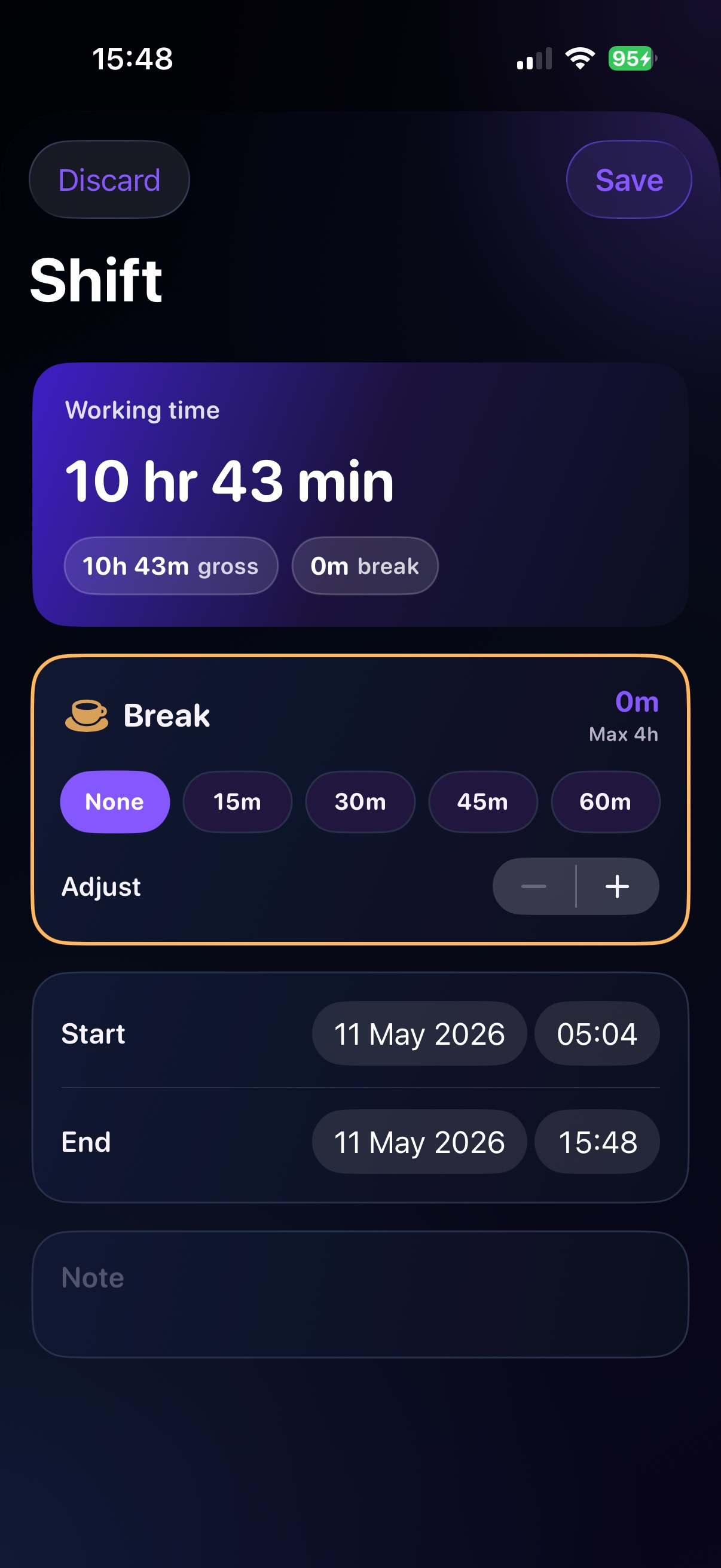
Add a break after a shift, choose quick lengths, adjust minute by minute, and keep the net total honest.
Privacy policy
HourTide uses your saved workplace and iOS location permissions to start and stop work sessions. Your workplace, shift records, breaks, notes, and app settings are stored locally on your iPhone and shared with the HourTide widget. HourTide does not sell personal data.
Read the full privacy policyFAQ
Yes. Manual shift tracking, editable timesheets, and break records are available without Pro.
HourTide Pro unlocks automatic background logging, Home Screen widgets, and estimated earnings from your hourly wage.
No. With HourTide Pro, a saved workplace, and Always Location allowed, iOS can wake the app when you arrive or leave the saved area.
Yes. You can adjust shift start and end times, add a break, add notes, or delete a shift if it was only a test.
Breaks are added manually so you stay in control. You can add one after a shift, choose a quick length, or fine-tune it minute by minute.
No. HourTide is designed around the saved workplace area, not route tracking. It needs location permission to react to arrival and leaving events.
Yes. HourTide Pro includes widgets for a quick view of today, week, and month totals without opening the app.
Subscriptions and trials are handled by Apple. You can manage or cancel them in your App Store account settings.
Support
Email support from this page, or open the dedicated support page for the same FAQ beside a fuller contact card.